
Product/To manage your crew/Cleaner app
Proof of every clean
Your cleaners open a link, add the app to their home screen, and see their day: the address, the way in, the checklist and the camera. Photos wait on the phone when there's no signal. Your prices and your customers' numbers stay in the office.
What changes
Proof of the clean, without the group chat
No proof of what was done
Check-in and check-out on site
He-said-she-said quality complaints
Checklists for every service
Hours worked are a guess
Photos attached to every job
How it works
Everything a cleaner needs, and nothing they don't
Built for a cleaner standing on a porch with a mop in one hand.


KnoxNobody remembers their app store password. Nobody needs to.
Send each cleaner a link. They open it, add More Knocks to their home screen, and it opens like any other app, on iPhone or Android. On an iPhone that step matters: Apple only allows alerts once the app is on the home screen. It takes ten seconds.
KnoxNobody remembers their app store password. Nobody needs to.Assign a job and it's on their phone with the address, the access notes and the checklist for that service. Tap for directions, and tap On my way to let the customer know you're coming.

Cleaners check in on site, then tick through the checklist for that type of clean. The app keeps the time spent in each room, so you find out the kitchen on a deep clean really takes 46 minutes, not the 30 you quoted for.
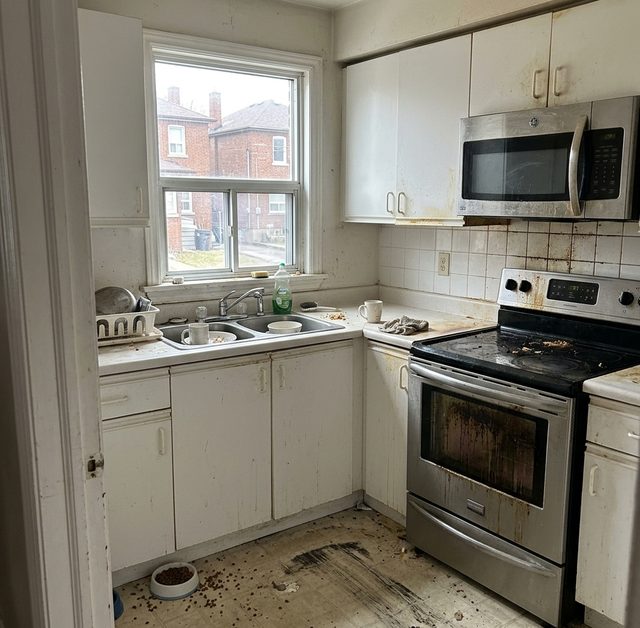
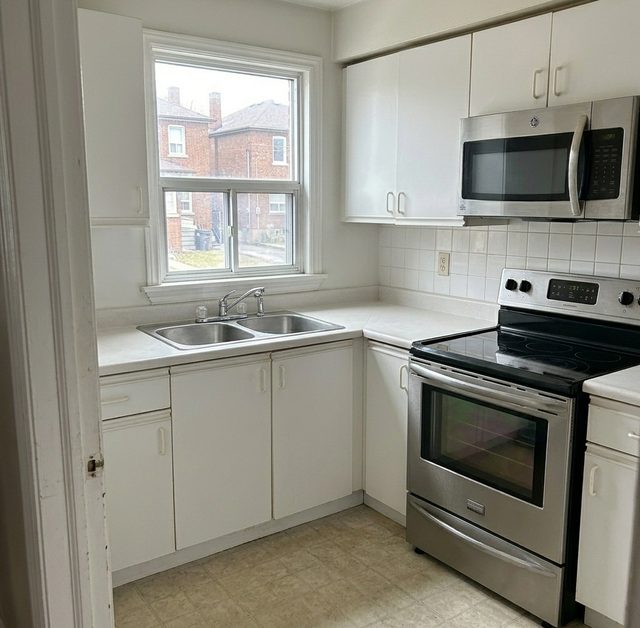
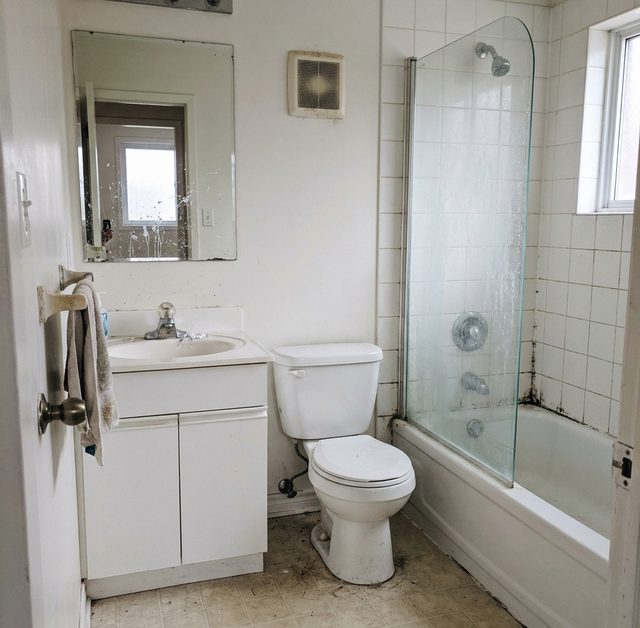
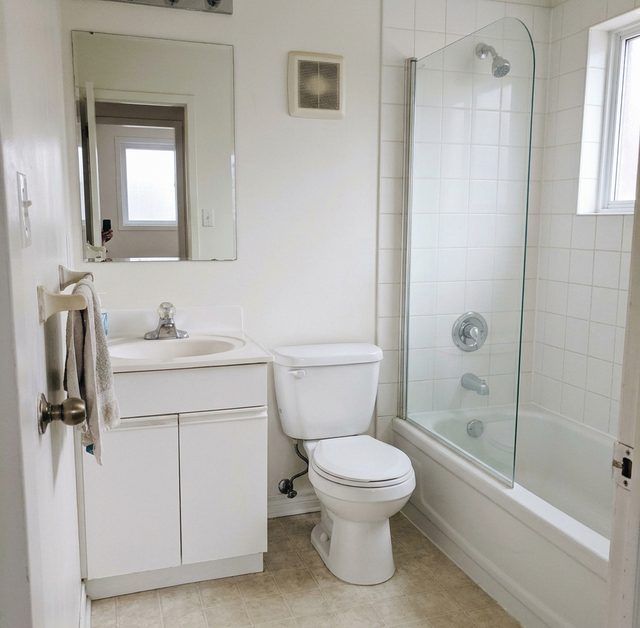
Before and after, room by room. In a basement apartment or an underground garage, the photos stay on the phone and upload to the job when the signal comes back. When a customer says the baseboards were missed, you have the photo.
The address, the access notes, the checklist, the photos. By default, cleaners don't see your prices, your customers' phone numbers or their cards. They have what they need to do a great clean and nothing they'd need to take a client with them.

What's included
Everything in cleaner app
- Installs to the home screen, no app store needed
- Push notifications for new jobs
- Works without signal
- Checklists you can edit per service
- Cleaners don't see prices or customer phone numbers by default
- "On my way" message to the customer
One cleaner, one morning
Marcus's Tuesday at 21 Elm St
Nobody called Marcus all morning, and Marcus called nobody. He never saw the price or Priya's phone number, and he didn't need to.
- Monday, 6 PM.Marcus gets Tuesday's three jobs by email. 21 Elm St at 9, a deep clean, 3 bedrooms and 2 bathrooms.
- Tuesday, 8:40 AM.He opens the job in the app. Key under the mat, the dog is friendly, park on the street. He taps directions, then On my way.
- 9:04 AM.He checks in at the door. Priya gets an email that her cleaner has arrived.
- 9:50 AM.The kitchen is done in 46 minutes, every item ticked. The oven was worse than the photos, and the after photo shows it doesn't matter anymore.
- 11:15 AM.The basement bathroom has no signal. Two photos wait on his phone.
- 12:40 PM.He checks out, 3 hours 36 minutes on the job. Back in the van, the photos upload on their own.

Questions
What owners ask about cleaner app
Do my cleaners need to download an app?
No. You send each cleaner a link, they open it on their phone and add More Knocks to their home screen. From then on it opens like any other app. It works on iPhone and Android, and nobody needs an app store password.
Why does it have to go on the home screen on an iPhone?
Apple only lets a web app send alerts once it's been added to the home screen. Skip that step and the app still works, but new-job alerts won't reach the phone. It takes about ten seconds, and it's the first thing the app asks a cleaner to do.
What happens in a basement with no signal?
The job details are already on the phone, and photos wait in a queue. When the signal comes back, in the stairwell or the van, they upload to the job on their own. Nobody has to remember to retake anything.
Can my cleaners see my prices or my customers' phone numbers?
Not by default. The app shows the address, the access notes, the checklist and the photos. Prices, payments, cards and customer phone numbers stay in the office view. You can change what each person sees in team roles and permissions.
Can I change the checklist for each type of clean?
Yes. Each service has its own checklist, and you can edit it. A move-out can include the inside of the oven and the fridge while a standard clean doesn't, and cleaners see the right one for each job.
Does the app track where my cleaners are?
No. There's no GPS tracking. The office sees when a cleaner checks in at a job and checks out at the end, and the time spent in each room. Where they parked or stopped for coffee isn't recorded.
How long does it take to train a cleaner on it?
About ten minutes, and we do it with you before day one. They open the link, add the app, and see their next job. Most of the training is showing them where the photo button is.
Cleaner app in practice
Guides that cover this

KnoxThe how-to, with the rules and real prices.
Cleaner app is one piece
More to manage your crew
KnoxSame login, same customers, same numbers. Pick one, I'll wait.
See More Knocks run one of your own jobs
Book 20 minutes with one of the founders. We'll walk a real booking from quote to payment and tell you straight whether it fits your company.
Book your demo